AV Happens 2: This Should Have Worked. It Didn’t.

We’re back with more all-too-familiar scenes from the Audio Visual world that every tech, consultant, support team—or even regular user—has faced at some point. From frozen screens to five remotes and sky high customer expectation, Part 2 brings you another round of "this actually happened?" . Yes, Many actually did happen to me.
If you haven't seen part 1, please check out AV Happens: 10 Scenes That Happen Every. Single. Day.
Ready for Round 2? Scroll on.
1. AV Design and Consultancy - Expectation and Reality
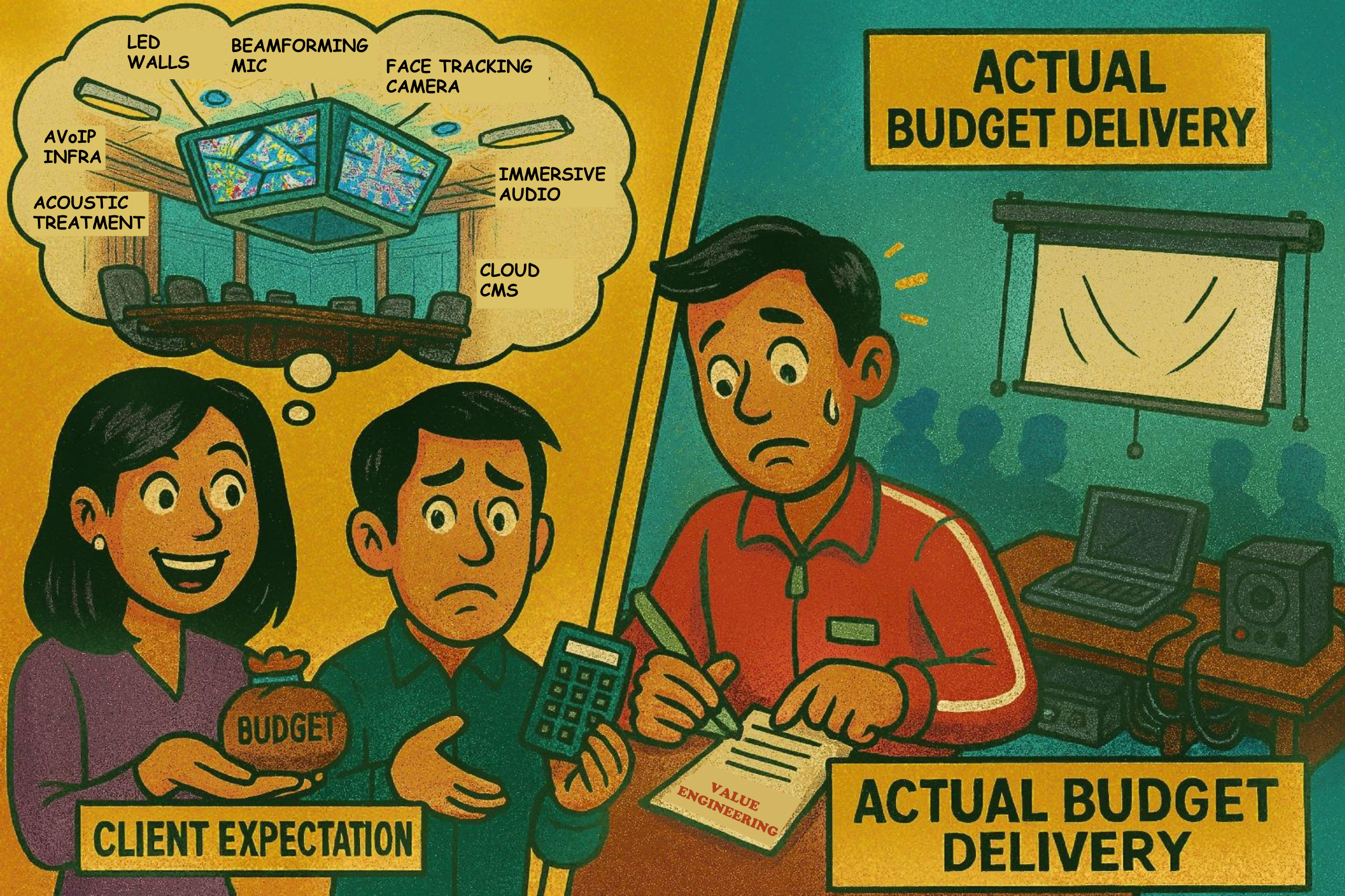
The client comes to the consultant with a long wish list—LED walls, immersive everything, AI-powered tech galore—but the budget tells a different story. Suddenly, it’s the consultant’s job to omit, tweak and rework the entire design through “value engineering.” While smart solutions can help, there’s only so much magic possible when expectations don’t match the resources.
Clear priorities and honest conversations go a long way in bridging the gap between expectation and delivery.
2. Hybrid Learning - The Frozen Student
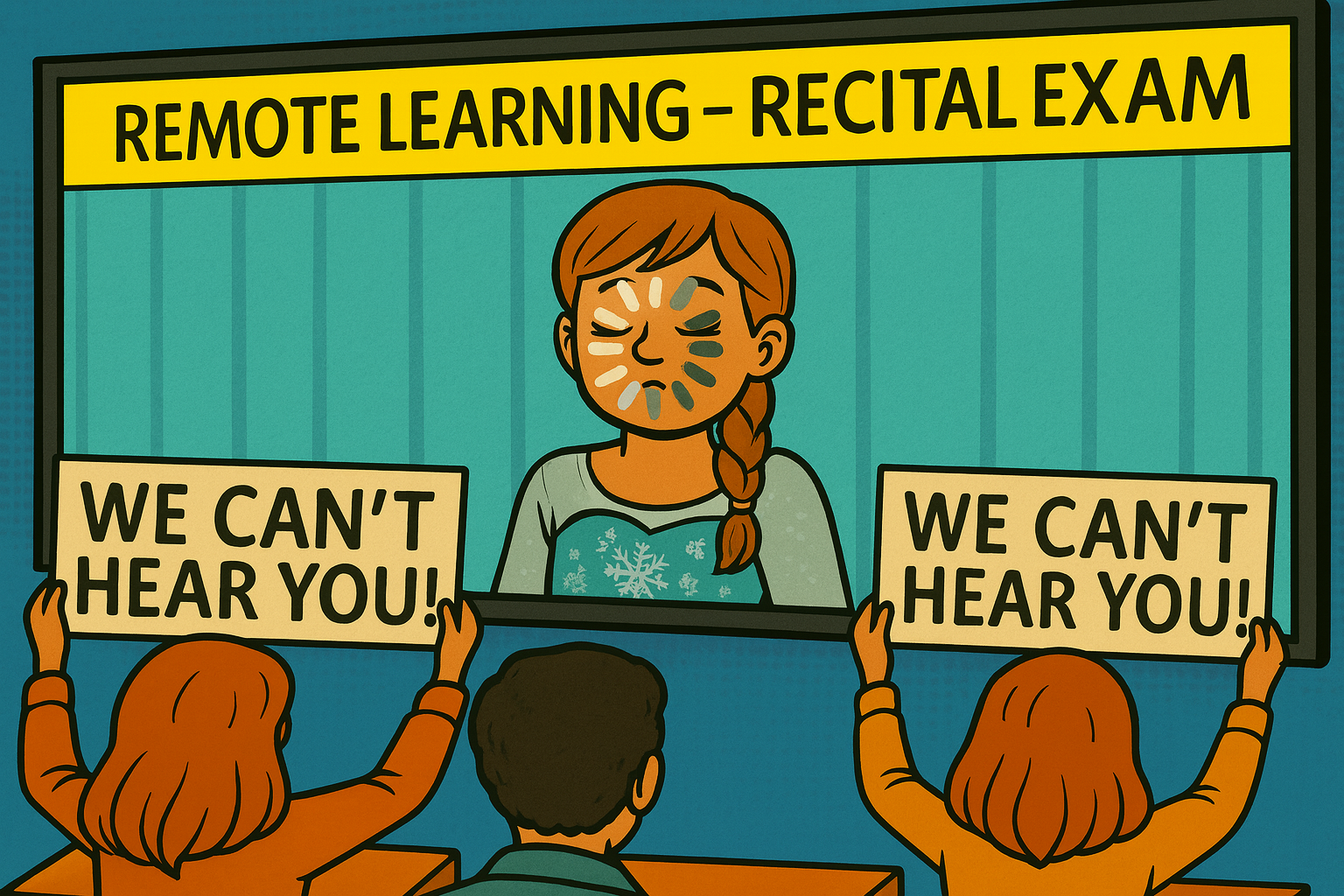
In a recital exam, a student appeared stuck mid-blink on screen—FROZEN by a poor connection. Ironically, she was all dressed up for the big moment. Hybrid learning has its challenges, and tech glitches like laggy video or dropped audio can undo hours of preparation. A strong network and stable setup are just as crucial as the performance itself.
3. Corporate AV - Navigating Enterprise Bottlenecks
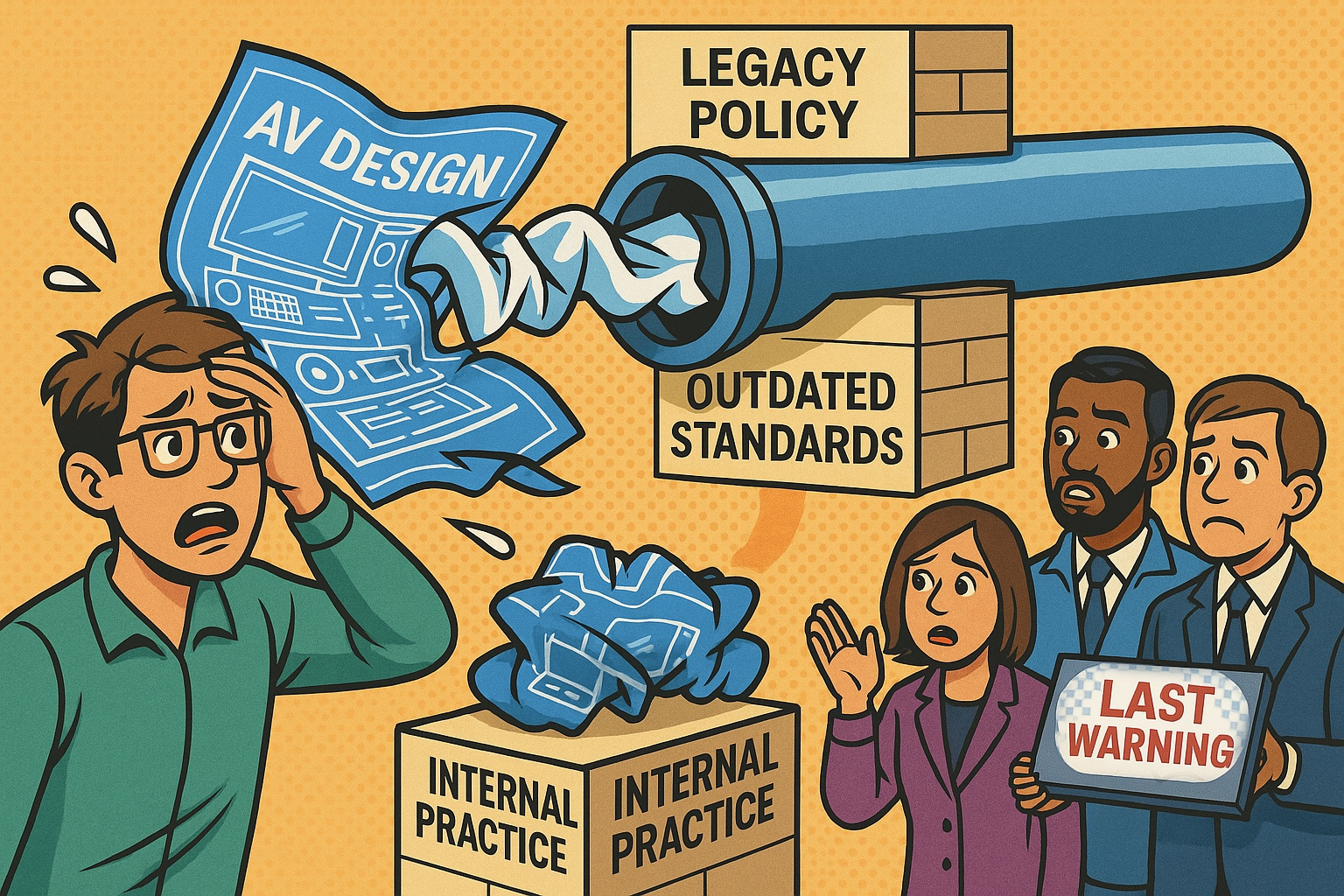
Working on AV design in an enterprise setting often comes with unexpected roadblocks. You might spend days crafting a solid, modern solution, only to be told it doesn’t fit with an old internal policy or outdated company standard. Sometimes it’s legacy habit, other times it’s just “the way things have always been done.” It can be frustrating when your effort gets stuck not because of the design itself, but because of internal practices that haven’t kept up. Navigating this takes more than good design—it also takes flexibility, communication, and a bit of patience.
4. AV Operations - Throwback to Labelling Analog Mixer
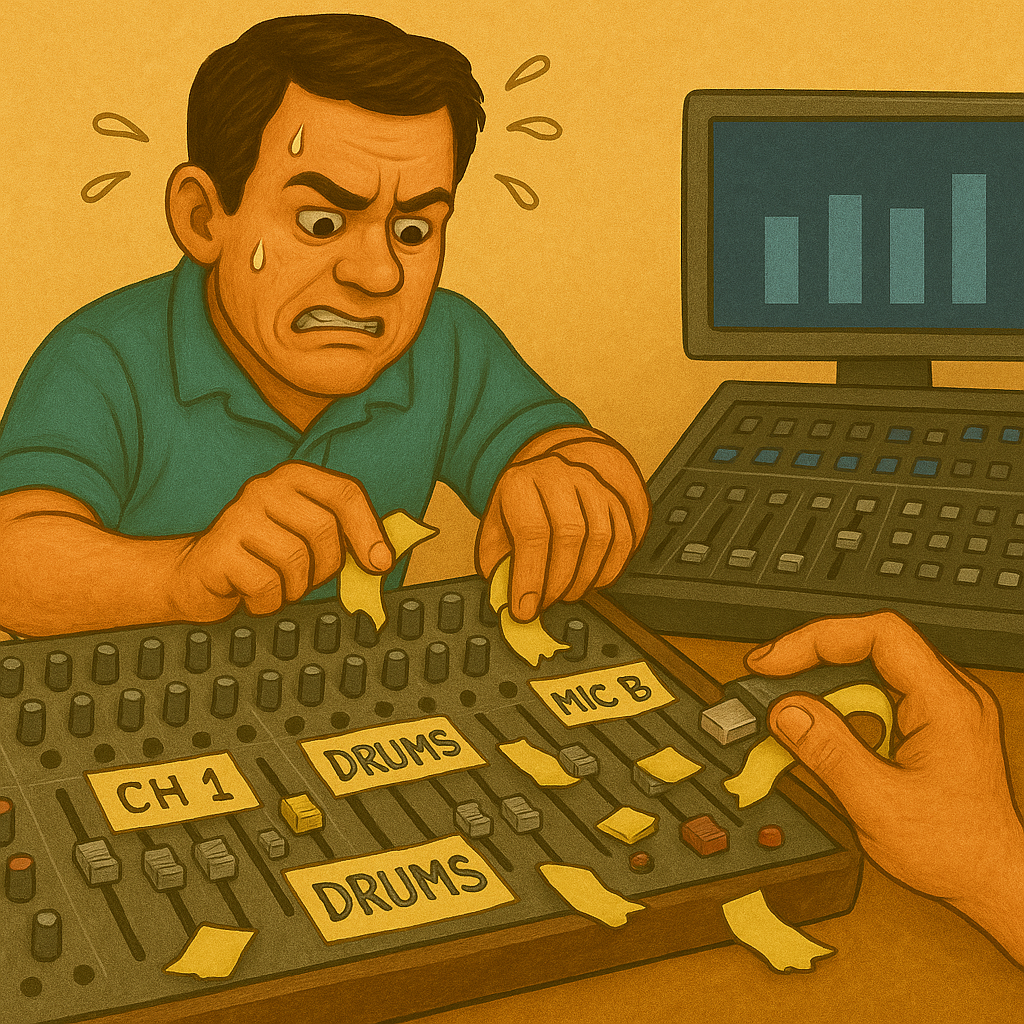
Throwback to the days of labelling every single fader on an analog mixer with masking tape and a marker. It was part of the setup ritual—neat handwriting was a bonus! With digital mixers now, channel labels are on-screen—clean, quick, and no more scribbling mid-show.
5. Corporate AV - HDMI Signal Roulette
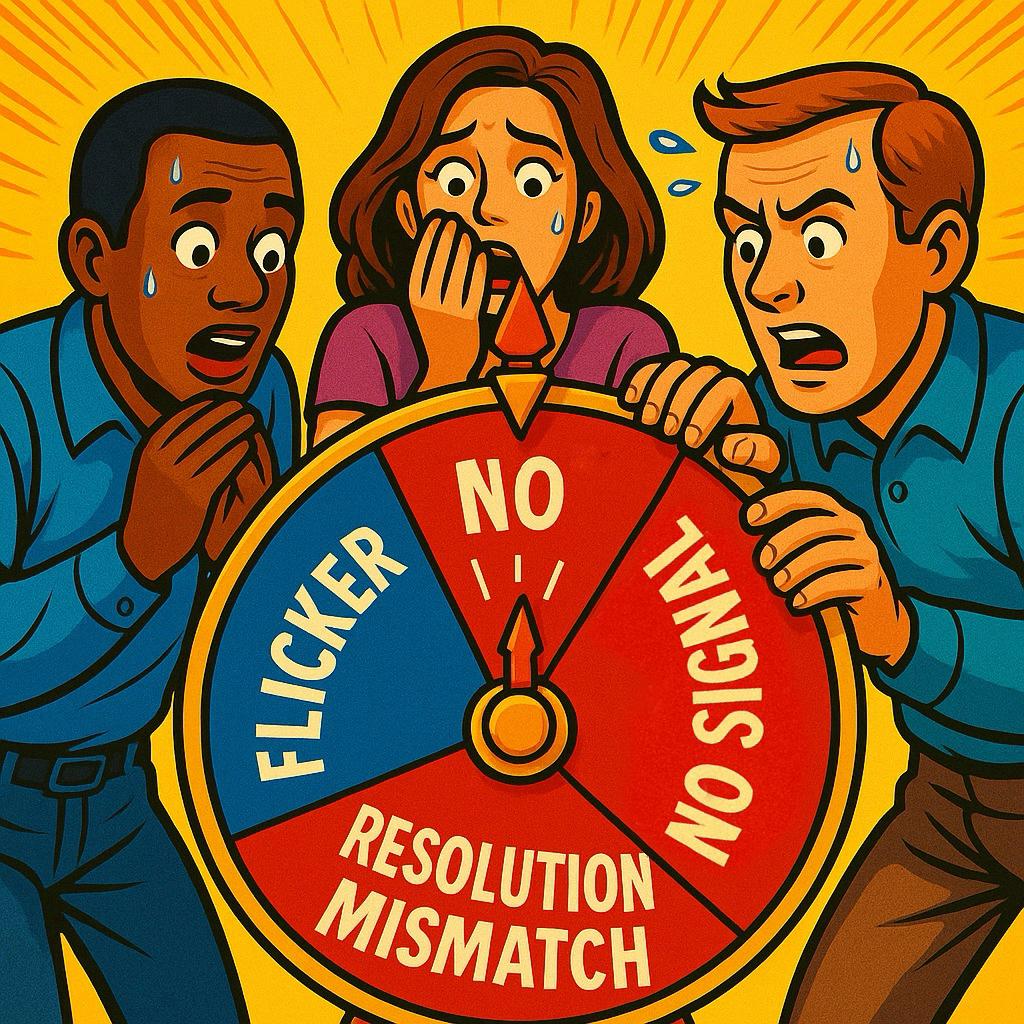
Ever plugged in an HDMI cable and got a blank screen, or had the picture suddenly disappear? That’s often due to devices not “talking” to each other properly. EDID is the info your display sends to the source (like a laptop or media player) to say, “Here’s what I can show.”
Without proper EDID management, this handshake can fail—leading to black screens, flickering, or no sound. Good EDID management helps make sure your devices stay in sync, so your content shows up reliably, every time.
6. AV - Rubbish in, Rubbish out
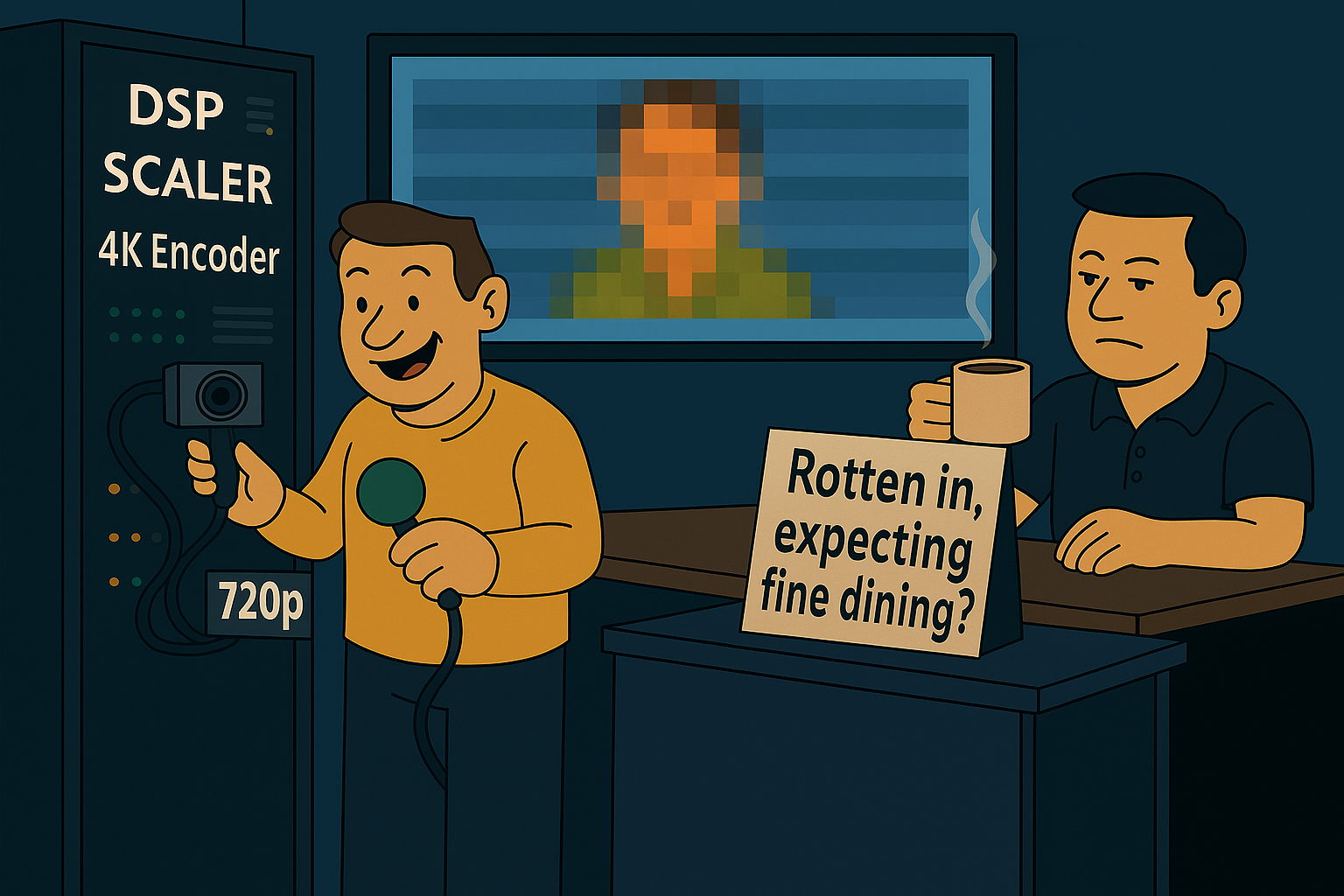
If your camera and microphone aren’t delivering good quality to begin with, no amount of fancy gear can fully fix it. You can run the signal through a high-end DSP, scaler, or encoder—but the output will still be as weak as the input.
Blurry video stays blurry, and muffled audio stays muffled. Always remember AV signal golden rule: Rubbish in, Rubbish Out.
7. Corporate AV - Lost in AI Auto-Captioning

AI tools are going mainstream in meetings. In global teams, speech is diverse—but AI captions still struggle to keep up with diverse accents. What’s said isn’t always what’s shown, leading to confusing, sometimes hilarious results. Auto-captioning is getting better, but it's not quite global-ready yet.
8. Corporate AV - Simplicity is Key
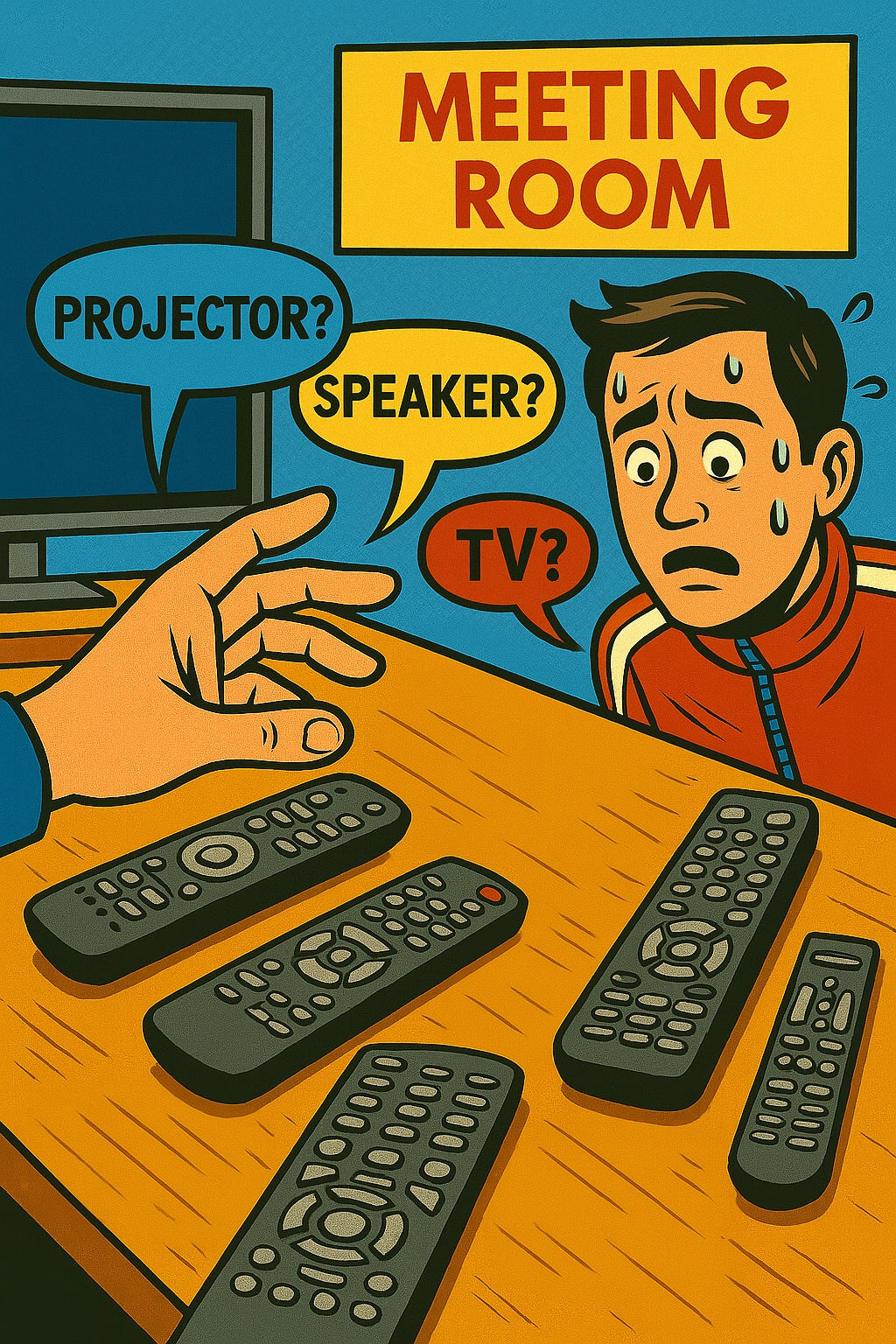
Five remotes on the table and no clue which one to use—classic meeting room confusion. Meeting rooms should be intuitive, not intimidating. A single, easy-to-use control system keeps things smooth, fast, and frustration-free.
9. AV Retrofits - Plot Twist to Partial Upgrade
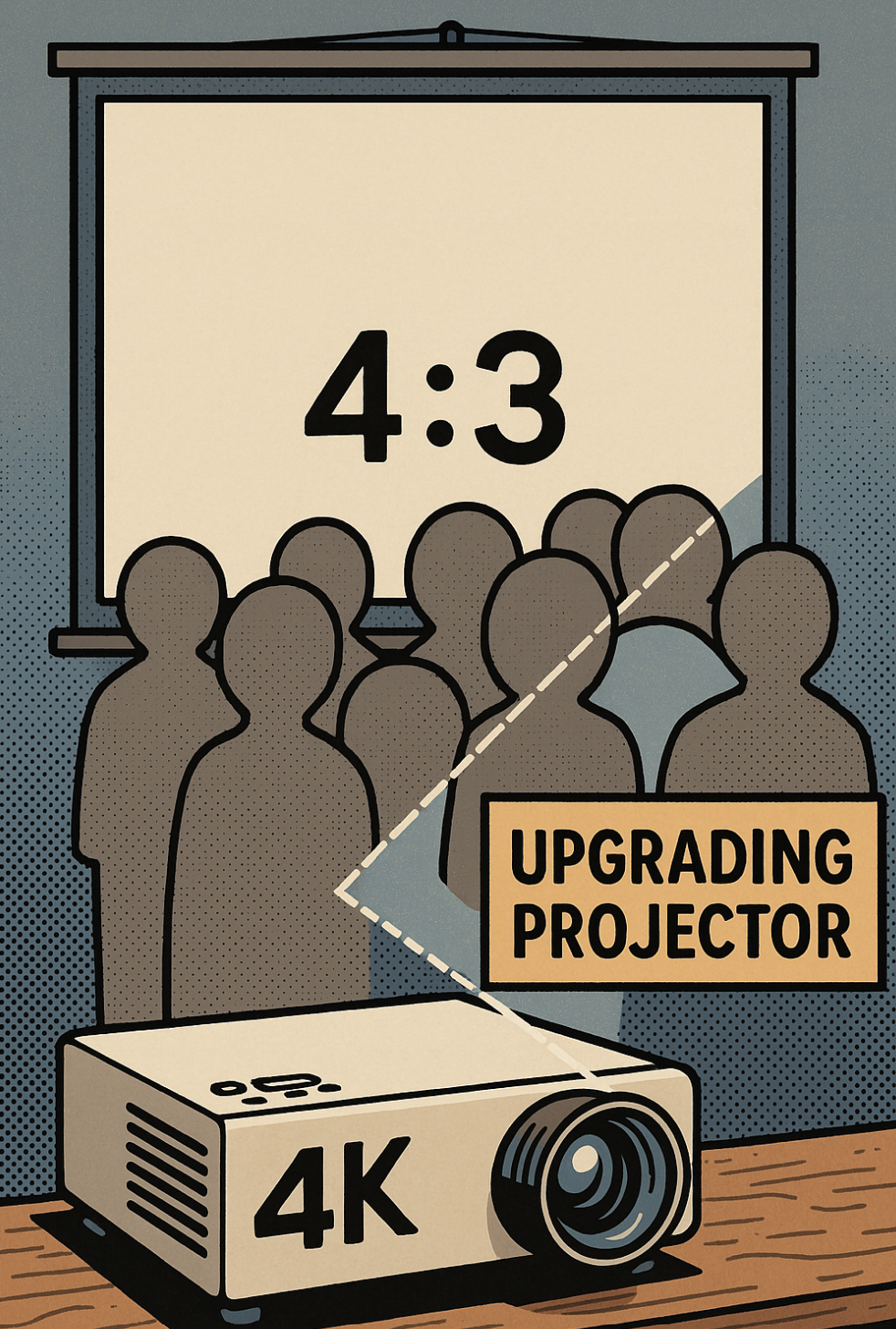
The end user decide to buy a shiny new 4K projector for a retrofit upgrade—great move. But then comes the twist: they want to keep the old 4:3 projection screen.
The problem? 4K content is designed for widescreen (16:9), and squeezing it onto a square-ish screen means borders on the screen and a poor viewing experience. For any upgrade to deliver real value, the system must be designed as a whole, not in parts.
10. AV Operations - Lecture Recording Fail
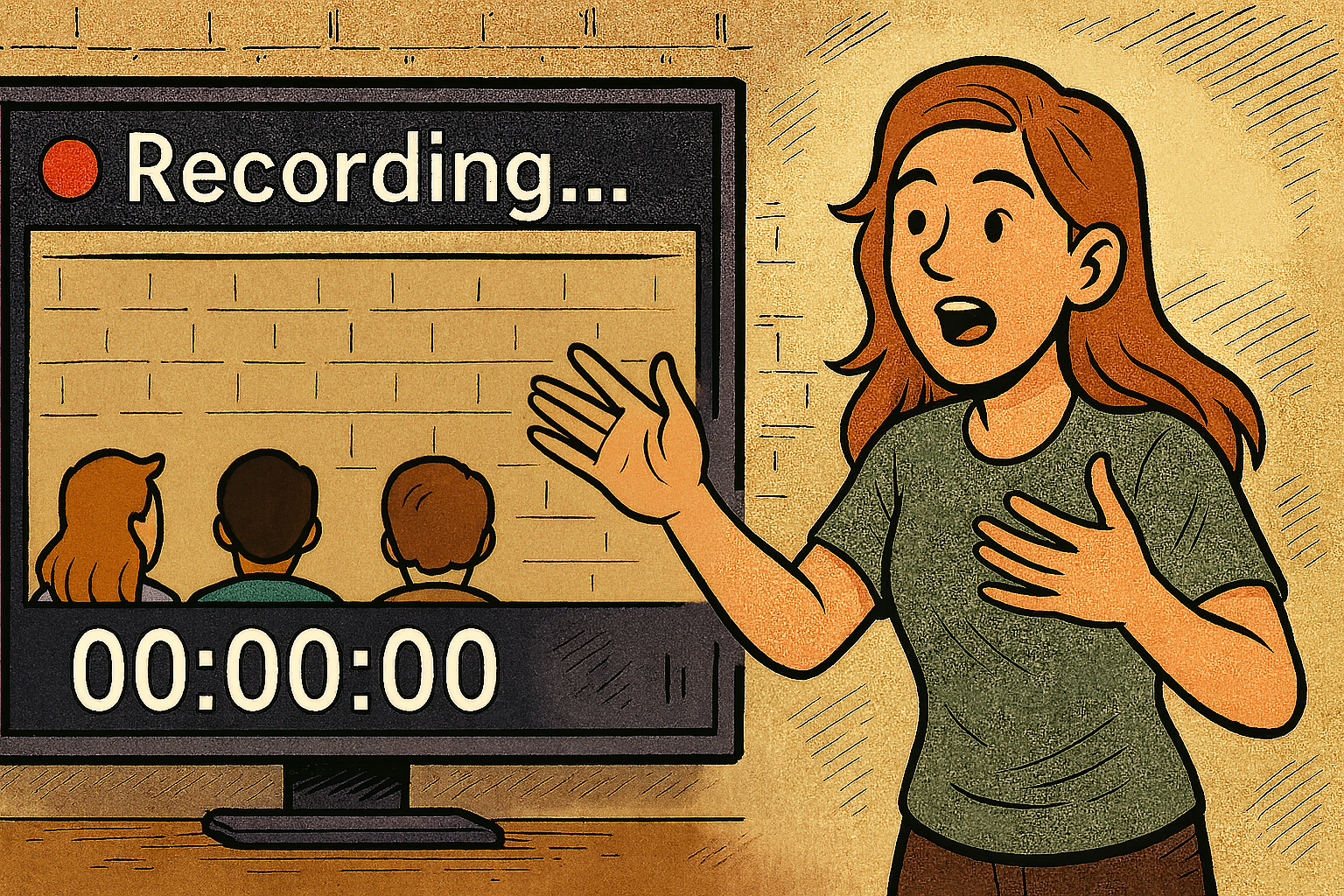
The lecture recording is live, the timer is running, and everything seems in order—until someone checks the playback and sees… the backs of the audience. Instead of capturing the presenter and the content, the camera spent the entire session pointing in the wrong direction.
Whether it’s an operator error or a misconfigured system, it’s a reminder that setup checks matter.
Hope Part 2 gave you a few more laughs—and maybe a few flashbacks. After all, in AV… it still happens.
*Note: All visuals and concepts in this post were conceptualized and creatively directed by me with generative AI. If you’d like to share or repost any images or content, I’d appreciate a tag or credit. Thank you.

With 14 years of experience in audio-visual system integration, consultancy, and deployment across the Asia-Pacific region, I’ve developed a strong understanding of the region’s unique challenges and opportunities. I’ve had the opportunity to work on large-scale AV and broadcast systems for some of the world’s leading multinational companies, aligning with global standards to support seamless collaboration and productivity across diverse teams and locations. I enjoy crafting practical, user-focused technology solutions, and increasingly draw on AI and emerging tech to improve workflows and outcomes. Outside of work, I teach immersive media as an adjunct lecturer, where I get to share my curiosity and inspire students to explore what’s possible.
-
Xchange Advocates are recognized AV/IT industry thought leaders and influencers. We invite you to connect with them and follow their activity across the community as they offer valuable insights and expertise while advocating for and building awareness of the AV industry.