6 tactics for maximizing meeting room ROI


We need to talk about your meeting rooms.
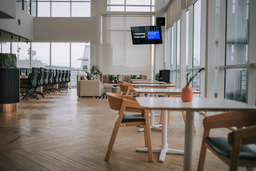
What’s inside? Sleek, modern tables. Ergonomic chairs. Huge high-definition screens on the walls.
It’s beautiful. And it’s wasting your money.
For a lot of the workday, those meeting rooms sit empty. And when they do, those screens on the wall become nothing more than empty black rectangles.
We’re in an era where spending on IT and facilities is scrutinized down to the dollar. Meanwhile, you carve out precious slices of budget to pay for those room screens – the hardware, the installation, the licensing, and the electricity. But unless someone is actively presenting a slide deck or dialing into a video call, those screens provide zero value.
And at the same time, you’re fighting an unending battle with workplace disconnection. In hybrid environments, employees feel like they’re out of the loop. They miss updates. They feel isolated from company culture. They don't know about the new benefits policy or the town hall happening next week.
So why do you let meeting room screens sit idle while you struggle to get messages in front of your teams?
It’s an easy fix. By plugging digital signage into your existing room management software, you can turn those passive screens into always-on communication channels.
Here are six practical tactics to start extracting real ROI from your meeting rooms screens.
#1: Avoid room booking fiascos with better intelligence
Your team needs a room for an ad-hoc brainstorm. You find one that looks empty and get down to work. Five minutes into your discussion, another team kicks you out because they already had it booked. Whoops.
Your meeting room screens can solve this. Instead of going dark when not in use, they can display real-time room intelligence, like the room’s schedule for the day. You can show the current status (booked versus available), the time of the next reservation, and even a QR code to instantly book it yourself from your phone.
#2: Turn screens into self-service IT support
How many tickets does your IT helpdesk get that are essentially just “I don’t know how to cast my screen”?
New hires, visitors, and even long-time employees can struggle with meeting room tech. It creates that sweaty-palm moment when you can’t get the presentation to load (and everyone is staring at you). Usually, this results in a frantic call to IT, and a technician has to pause high-value work to come push a button.
The screen is a perfect place to solve this before it happens. Use it to display step-by-step instructions on how to use the room’s equipment. You can even attach your branding to make the display look especially contiguous with the in-office experience. Happy meeting attendees, happy IT team.
#3: Put essential messages front and center
When a team goes into a meeting, they’re not watching their inboxes. Which means that they miss the urgent email you just sent about benefits enrollment closing at the end of the day.
Meeting rooms can be like black boxes. But with the right approach, you can turn the teams inside into captive audiences for your comms.
Send that email about the benefits deadline – but also push it to your rooms’ digital signage. While the team settles into the room waiting for the host to arrive, they’ll see that message right there on the screen.
Treat your meeting rooms as premium ad space for your most important internal messages. Rotate content about health and safety updates, organizational reminders, or noteworthy wins. You increase the effective reach of your comms, hitting employees with information in a context where they aren’t in the middle of another task. 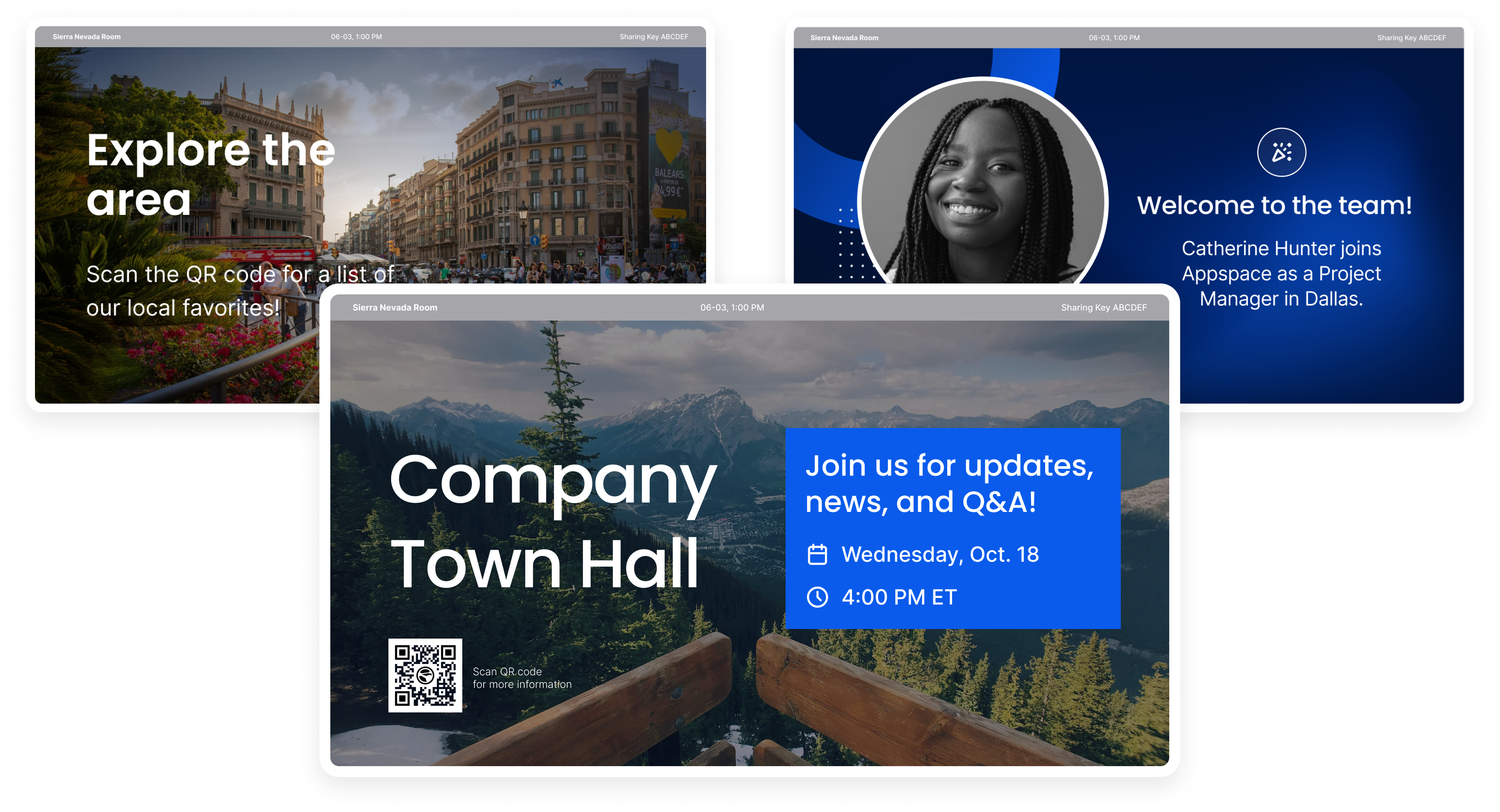
#4: Make culture visible and recognition public
Hybrid work has made that whole "culture" thing difficult to wrangle. When you aren’t in the office with your team, you miss those little moments of connection – the trips to the coffee machine, the high-fives, the shared wins.
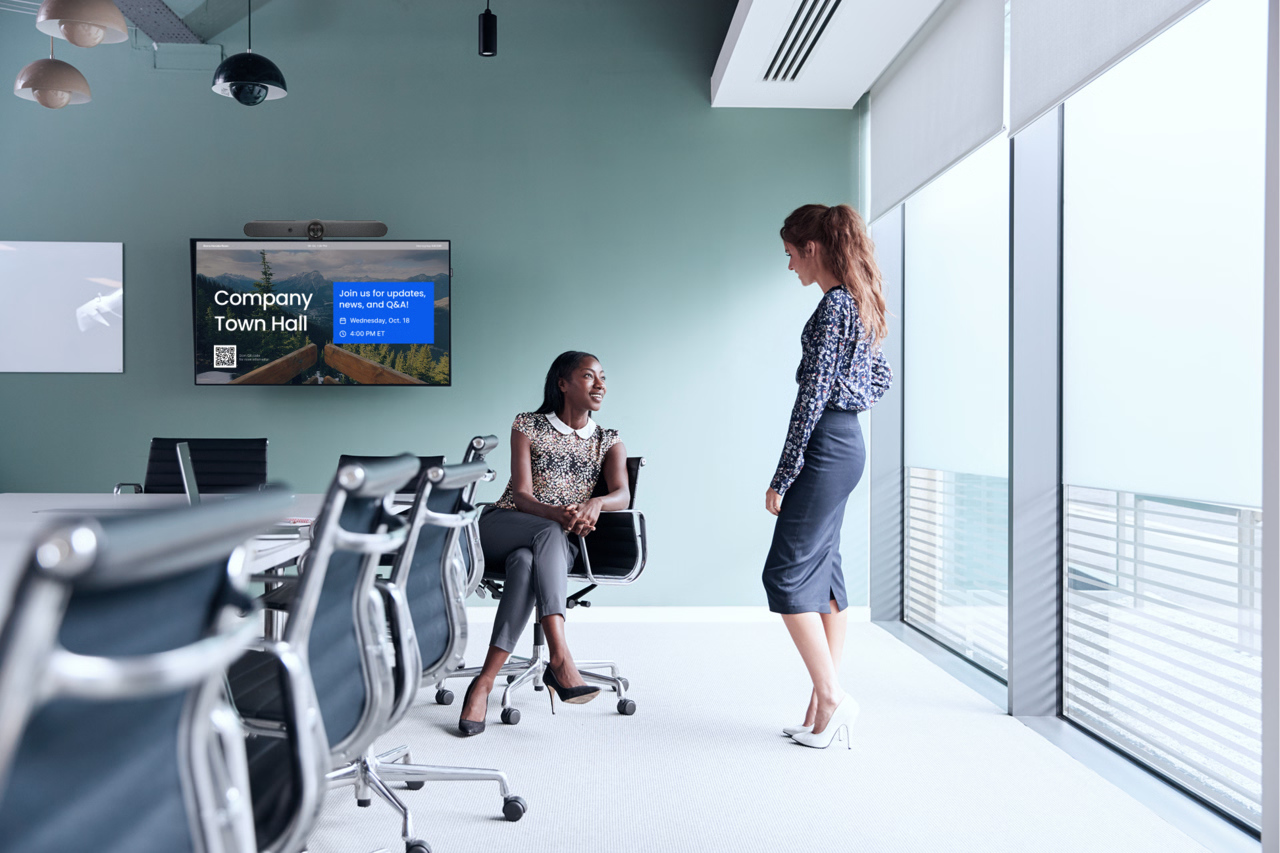
If your office is feeling a little sterile, you can use your meeting rooms to bring some energy back. Being recognized for your accomplishments in a private chat or an email thread is nice. But that same recognition being broadcast on a 65-inch 4K screen is infinitely more powerful.
Dedicate a portion of your meeting room signage playlist to culture content. Highlight new hires with their photo and bio. Celebrate work anniversaries. Showcase "Employee of the Month" shoutouts or team wins.
This is an investment in belonging and retention. When an employee walks into a meeting and sees their project featured on the big screen, they feel appreciated and valued. It turns your physical office into a place that celebrates the people that work inside it.
#5: Create content without needing a design degree
“We don’t have enough content to fill all these screens, and our designers are too busy.”
It’s a valid concern…if you’re still relying on 2010-era workflows where every slide requires a Photoshop work request. But modern workplace experience platforms cut out that bottleneck.
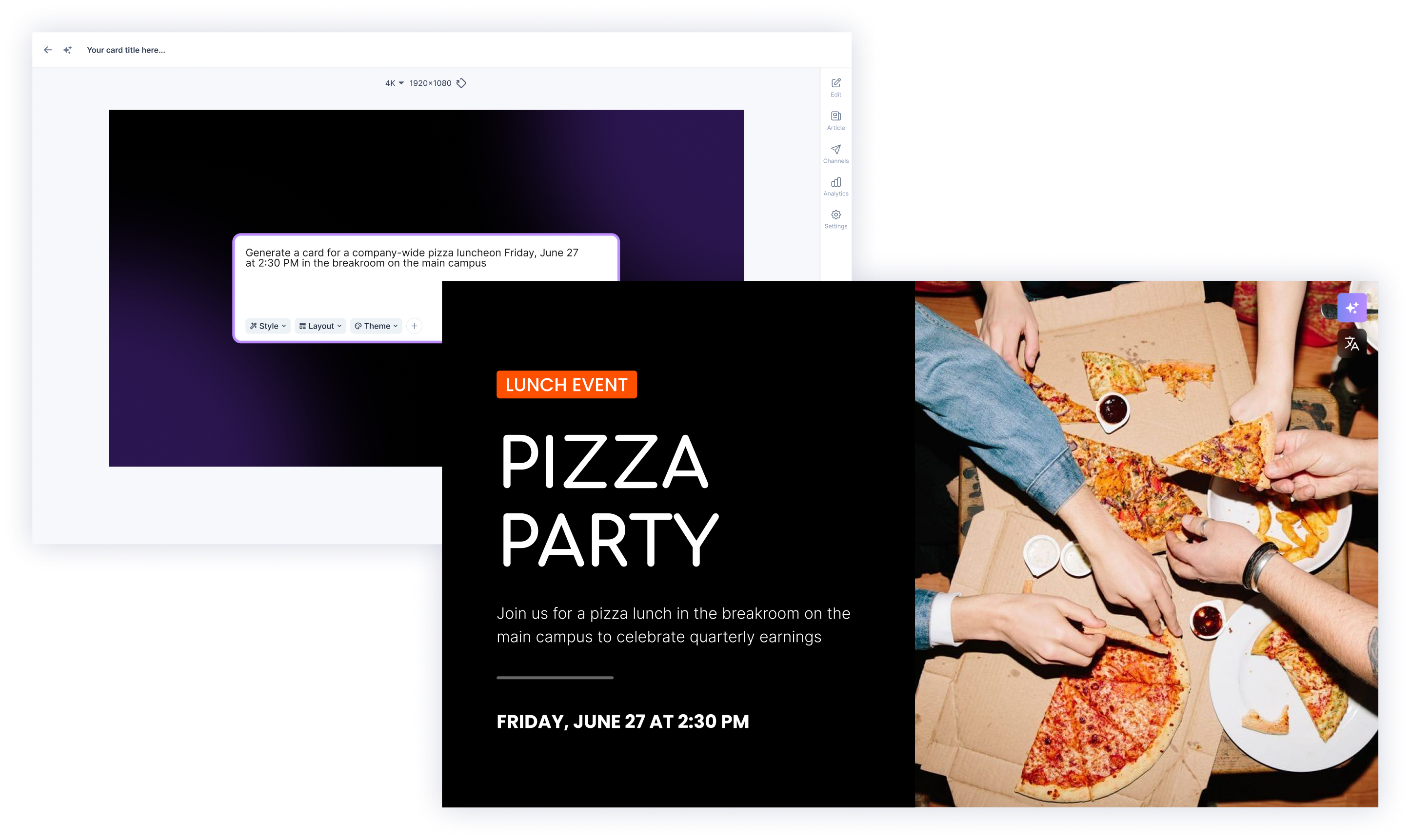
Many signage platforms have built-in templates and AI assistance. This lets local office managers, HR partners, or department heads whip up on-brand signage in minutes. For example, they can enter a few bullets about an upcoming team lunch. The system generates a formatted and compelling slide that would look right at home in a designer’s portfolio.
With features like these, you can keep content fresh and localized without needing to expand the headcount of your creative team. Regularly updated content keeps people constantly checking screens to see what’s new, maintaining that engagement loop.
#6: Expand your signage without expanding your tech stack
Historically, one of the biggest blockers to maximizing screen ROI is complexity. If you wanted to bring digital signage into a conference room, you needed a separate media player, HDMI input, and software license. You had to manually switch inputs on the TV.
It was a clunky, expensive pain in the neck. And it was a nightmare for security teams, who had to vet and monitor yet another hardware endpoint.
These days, the process is infinitely easier. The more modern approach is platform-to-platform integrations. Many leading digital signage solutions integrate natively with your display software. This allows the signage platform to automatically “take over” the screen when the display software is idle. You don’t have to juggle multiple systems on one screen – and you reduce the system’s overall attack surface.
How to put these tactics into action
We’ve already covered the tactics. Now let’s talk about the tools.
Executing these strategies used to require a complex web of hardware and software. But these days, digital signage platforms can make it a simple and native experience.
One example: Appspace. It’s an all-in-one workplace experience platform that integrates directly with your meeting room software, like Microsoft Teams Rooms, Zoom Rooms, Webex, and Google Meet. Zoom Rooms.
During meetings, your room management software handles all the necessaries. But between bookings, Appspace takes over to display digital signage on your in-room screens.
-
It makes the most of your existing investments. Just connect Appspace with your meeting room platform, and your enabled devices start pulling double duty as digital signage endpoints.
- It’s easy to manage. Your IT team gets visibility into which devices are showing what. There’s no awkward workarounds or mysterious thumb drives stuck into TVs.
- It improves the quality of your comms. You get access to the rest of Appspace’s workplace experience features, including AI content creation tools, broadcast alerts, and integration with your brand’s social feeds.
Appspace is the workplace experience platform for communications and workplace management. It’s the first to combine a modern intranet, space reservation, digital signage, and more – all in a single, easy-to-use platform.Now organizations can replace siloed products that are costly to integrateand unite their physical and digital workplace. More than 160 Fortune 500 companies, and 10 million on-site, remote, and frontline employees, are using Appspace to make work a more connected and engaging experience.
Learn more at www.appspace.com