
How a Restaurant POS Migration Runs Without Closing for a Day
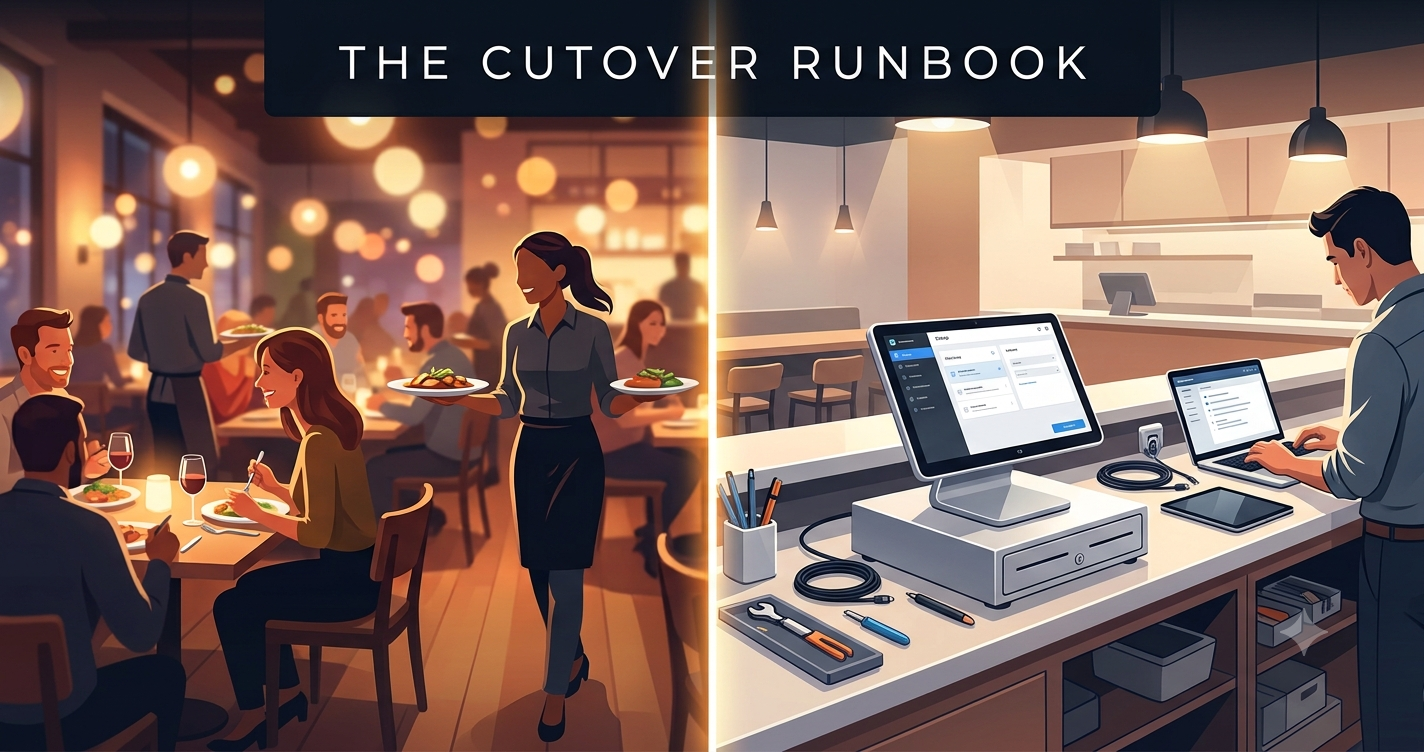
A restaurant can't put a "closed for system upgrade" sign on the door for a Tuesday, let alone a Friday. Whatever the reason for the switch — a vendor that stopped supporting hardware, a chain standardizing on one platform, a menu system too rigid to add a new revenue stream — the restaurant still has to serve lunch, then dinner, on the same day the new system goes live. That's the real constraint behind every restaurant POS migration: not whether the new software is better, but whether service can run through the switch without anyone in the dining room noticing.
Most guides on this topic talk about features and integrations. Almost none talk about the hour the switch actually happens, because that hour is where migrations go wrong, and nobody likes writing that part down.
Why POS migrations fail on the second service, not the first
The first service after a cutover usually goes fine. Everyone is watching it. The GM is on the floor, the vendor's support line is open, servers are moving carefully because they know something changed. Adrenaline covers for a lot of small gaps.
The second service is where a restaurant POS migration actually gets tested. By then, the novelty has worn off. Staff fall back into muscle memory instead of the new steps they were shown once. The manager who babysat the first shift has gone home. Edge cases that didn't come up during a slow lunch a modifier three levels deep, a split check across two courses, a comp that needs a manager override start showing up during a full dinner rush, and there's no one standing next to the terminal anymore.
This is also when small data gaps turn into real problems. A menu item priced correctly but missing its recipe link doesn't show up until the kitchen display doesn't fire the right ticket. A loyalty account that migrated with the wrong balance doesn't show up until a regular argues about their points at the register on a busy night. First service reveals whether the system works. Second service reveals whether the team does.
What has to move, and what quietly cannot
Not everything from the old system should make the trip to the new one. Part of planning a restaurant POS migration is deciding, item by item, what actually needs to carry over versus what should be archived, closed out, or rebuilt clean. This is usually the point where restaurant groups bring in a restaurant POS software development company to map out these decisions in advance, rather than discovering the gaps mid-cutover.
Menu, modifiers and recipe links
The menu is never just a list of items and prices. It's a tree of modifier groups, combo logic, 86'd-item rules, and — critically — the links between each item and its recipe or inventory count. A straight export-import often moves the item names and prices correctly while silently breaking the modifier pricing or the recipe link underneath. The safest approach is to rebuild the modifier structure by hand in the new system and test it against the kitchen display, rather than trusting a bulk import to get the relationships right.
Open checks and unsettled tabs
At the moment of cutover, some tables will have open checks, some bar tabs will be running, and some online orders may still be in flight. None of this should be migrated mid-transaction. The cleanest path is to force a close on every check that can reasonably be closed before the freeze, and hand-key the handful of genuine exceptions — a table still eating, a tab someone stepped out on — into the new system manually. Trying to auto-migrate live, unsettled transactions is one of the more common causes of a bungled restaurant POS migration.
Historical sales, and how much of it you actually need
Restaurants often assume every year of sales history needs to live inside the new POS. It doesn't. Day-to-day operations need a rolling window — enough for comparable-period reporting and recent comps, often 60 to 90 days. Everything older than that can stay in an archive or reporting layer that the accounting team can still query, without dragging years of transaction-level data into a system that only needs it for context.
Loyalty balances and gift card liability
Loyalty points and gift card balances aren't just data — they're money the restaurant owes its customers, sitting on the books as a liability. These numbers have to migrate exactly, and they need a reconciliation pass before cutover, not after a guest complains. Any mismatch here isn't a cosmetic bug; it's a customer-facing and accounting problem at the same time.
The Cutover Runbook: lunch close to dinner open
This is the part almost nobody publishes, because publishing it means admitting the first attempt didn't go perfectly. An hour-by-hour cutover plan — with the rollback trigger written down before anyone touches a terminal — is the difference between a migration that's stressful and one that's genuinely dangerous to the business. Here's the shape it should take, built around the natural gap between lunch close and dinner open.
T-minus 7 days: the freeze
Seven days out, the menu gets frozen. No new items, no modifier changes, no price updates in the old system — every change made during freeze week is one more thing that has to be re-verified in the new system before cutover. Integrations (online ordering, kitchen display, payment processing) get frozen too. The goal is a stable, fully-known target to migrate, not a moving one.
T-minus 1 day: the dry run nobody does
Most teams skip the dry run because it feels redundant after weeks of setup. It isn't. The day before cutover, run a full mock service on the new system in an empty dining room: ring in a real order, split a check, apply a modifier, close out with a card, print a kitchen ticket. This is where you catch the printer that isn't mapped, the tax rate that didn't copy over, or the login that doesn't work for the closing manager — while there's still time to fix it without a guest waiting.
Cutover hour: the order of operations
The sequence matters more than the speed. A workable order looks like: close out the lunch shift completely on the old system, run end-of-shift reports and till counts, export and verify the final data set, run the migration, spot-check the highest-risk items (open tables status, till totals, loyalty balances), switch terminals over, and soft-launch on two or three tables before opening the whole floor for dinner. Skipping the soft-launch step — going straight from "migration complete" to full dinner service — is where a lot of otherwise well-planned cutovers get into trouble.
First service: who stands where
Every terminal needs a person assigned to it who isn't also trying to run food — a manager, a trainer, or a support contact from the vendor, physically present or on a dedicated line. One person should be watching for stuck tickets on the kitchen display specifically, since that's usually the first place a bad menu mapping shows up.
The rollback trigger, written down in advance
Before cutover hour starts, the team should have a specific, written trigger for reverting to the old system: something concrete, like a defined error rate in the first 30 minutes of service, or a till reconciliation that's off by more than a set amount. Deciding this in advance matters because it takes the decision out of the hands of someone standing at a slammed terminal during a Friday rush, trying to decide in the moment whether things are "bad enough" to roll back. Whatever the exact threshold, the point is that it exists on paper before service starts, not that it gets invented under pressure.
Running two systems for one week, and why it is worth the mess
Keeping the old POS live — even read-only — for about a week after cutover feels redundant, but it's the safety net that catches what the migration missed. Every night during that week, reconcile the new system's numbers against what the old one would have shown for a similar day: sales totals, comp counts, void patterns. Discrepancies caught during the parallel week are inconveniences. The same discrepancies discovered a month later, during a tax filing or an audit, are a much bigger problem. Teams that work with an experienced POS software development partner usually build this parallel-run week into the plan from day one, rather than treating it as optional.
Staff training that survives a Friday
Training that only gets tested on a quiet Tuesday afternoon doesn't tell you much. The real test is whether a server who learned the new system during a slow shift can still use it correctly during a slammed one. That means training materials need to live where staff can actually reach them mid-shift — a laminated quick-reference card taped near each terminal, not a PDF emailed the week before. It also means at least one practice run should happen under simulated pressure: a full mock rush, with a trainer deliberately throwing in split checks, modifiers, and comps back-to-back, so the first time someone handles a complicated order isn't during an actual Friday night.
What to check on day 7, day 30 and day 90
The work isn't done at cutover; it just changes shape.
- Day 7: transaction error rate, void and comp patterns compared to pre-migration norms, and a plain conversation with staff about where they're still hesitating.
- Day 30: a full month-end reconciliation — sales, loyalty liability, gift card balances — to confirm the accounting team's numbers actually tie out, plus a check that every integration (online ordering, kitchen display, payment processing) is still behaving as expected.
- Day 90: a decision point. Is the old system fully redundant and ready to be decommissioned? Are there menu or workflow improvements the team held off on during the freeze that are now safe to make? This is usually the first moment it's safe to treat the new restaurant POS migration as finished rather than in progress.
FAQs
Q1. Can a restaurant really switch POS systems without closing?
Yes, but it depends on treating the lunch-to-dinner gap as a real project window, not a quiet afternoon to squeeze work into. A written runbook and a soft-launch on a few tables before full service are what make this possible.
Q2. How long should the two systems run in parallel?
About a week is typical — long enough to catch discrepancies in a full weekly cycle, including a weekend, without dragging out the double workload for longer than necessary.
Q3. What's the single most common cause of a failed cutover?
Skipping the dry run, or skipping the soft-launch step and moving straight from migration to full dinner service without testing on a small, controlled group of tables first.
Q4. Does all historical sales data need to migrate into the new system?
No. A rolling 60–90 day window usually covers operational needs; older data can stay in an archive or reporting layer instead of living inside the live POS.
Q5. What should the rollback trigger be based on?
Something specific and measurable that's agreed on before cutover — such as an error rate threshold in the first half hour of service, or a till reconciliation gap past a set amount — so the decision isn't made under pressure during a live rush.






Please sign in
If you are a registered user on AVIXA Xchange, please sign in