
How ProDVX keeps your devices secure, from the moment they boot until the end of their lifecycle


How ProDVX keeps your devices secure, from the moment they boot until the end of their lifecycle
In our previous blog, we talked about what happens when Google security updates stop, and why that moment is easier to underestimate than most people think. But understanding the risk is only the starting point. The real question is: what is actually being done about it?
In AV deployments, devices often run quietly in the background. A room booking panel shows the right schedule, a lobby display plays the right content, and everything appears to work as expected.
But a working device is not automatically a secure device.
That is why ProDVX looks at security across the full device lifecycle: from the moment a device boots, to the years it remains deployed on-site.

Built secure from the start
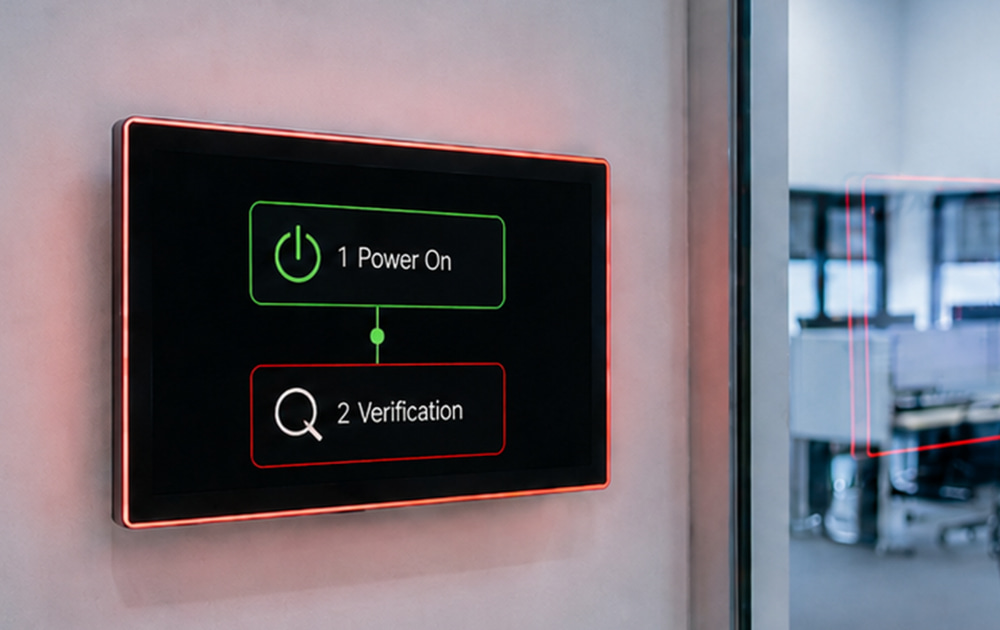
With the A26 firmware update, ProDVX introduced Android Verified Boot. Every time a device starts up, it checks whether the software is still untouched and unmodified.
Devices running A26 firmware also only accept officially signed ProDVX firmware. This helps prevent unauthorized software from being installed and supports compliance with the cybersecurity requirements of the EU Radio Equipment Directive.
Protected for the long term, not just the first year
Professional AV devices are expected to run for years. But what happens when Google’s official Android security support ends? We explained this in our previous blog.
With ProSECURE, ProDVX extends security support by three years beyond Google’s official support window. This includes continuous monitoring, secure patching, and regular firmware updates, helping devices stay secure for longer and reducing the need for premature replacement.
Keeping your network secure
Every device connected to a network can become a potential entry point. ProDVX supports IEEE 802.1X authentication for both wired and Wi-Fi connections, so only approved devices can access the network.
This is especially relevant for wired LAN, which is still often treated as trusted by default. In addition, ADB over TCP is disabled by default to avoid unnecessary remote access risks in live deployments.
Control that grows with your deployment
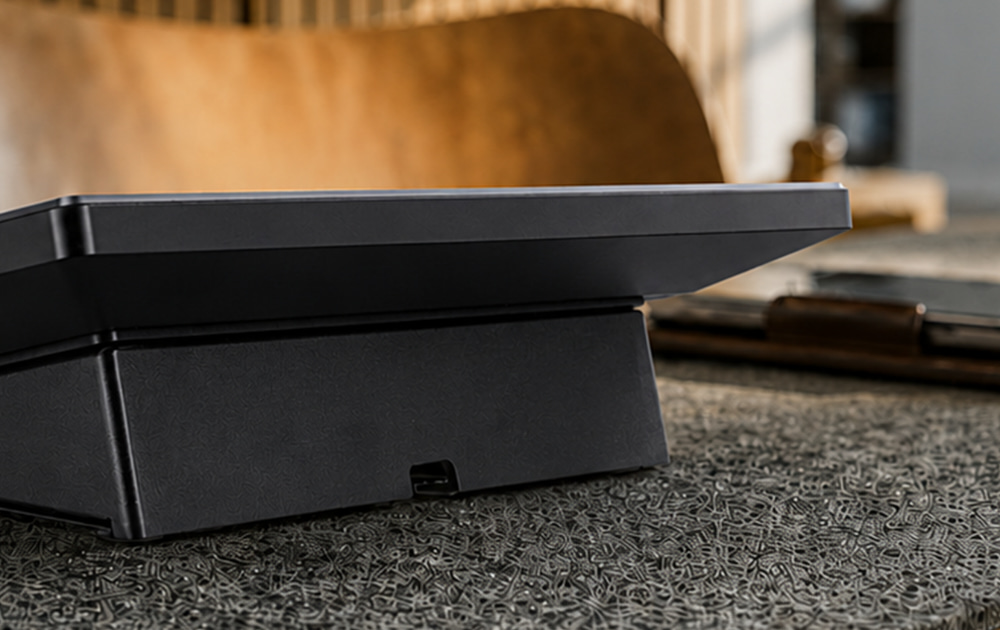
As AV deployments grow, device management becomes more important. ProMGR, ProDVX's device management tool, is included on every Android-based ProDVX device.
It helps enforce the right device security policies, lock devices into the correct operating mode, lock I/O, and manage configurations from a single place.
What this means for you
Security should not become a concern only after something goes wrong.
That is why ProDVX builds security into every layer: from verified boot and secure patching to network authentication and device management.
The result: devices that stay secure, manageable and reliable throughout their working life.
Read the full blog on the ProDVX website to learn more.
Curious about what this looks like for your own deployment? Visit the ProSECURE page, explore ProMGR, or get in touch with one of our colleagues.





Please sign in
If you are a registered user on AVIXA Xchange, please sign in