Intelligent Workplace: Why Adding AI to Your AV Workflow Isn't the Same as Fixing It
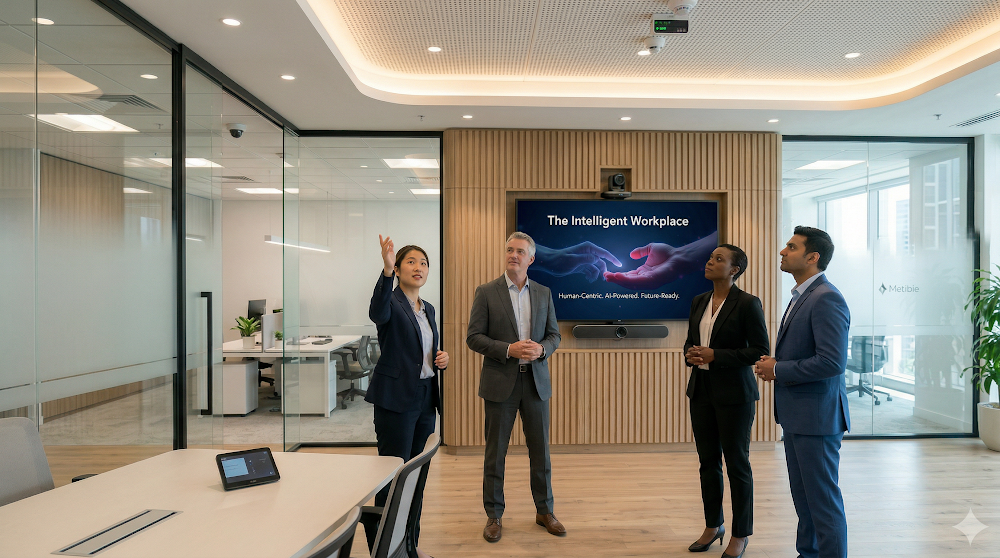


A client signs off on a full meeting room upgrade. New cameras with AI framing, intelligent audio with speaker tracking, a cloud-managed control system, and a UC platform with built-in meeting intelligence. Six months later, the IT manager calls. Adoption is patchy, the AI features are barely used, and the rooms that were supposed to run themselves are generating more helpdesk tickets than before. The technology worked. The deployment didn't.
This is not an AV problem. It is a workflow problem that an AV deployment made visible.
The pattern shows up constantly in enterprise AV and UC rollouts right now. Organisations are selecting AI-enabled hardware and software, signing Microsoft or Zoom licences, and dropping new systems into room environments that were never redesigned to take advantage of them. An AI-powered camera that auto-frames speakers is a genuine capability improvement. But if the meeting itself still runs on a process built for a pre-hybrid world, with no clear facilitation structure, no defined remote participant protocol, and a room layout optimised for in-person-only dynamics, the camera is accelerating a broken experience, not fixing it. Speed applied to a poorly designed meeting process produces a faster version of the same dysfunction.
The distinction that matters here is between configuration and design. Configuration says: here is the existing workflow, now add AI to it. A room that previously used a fixed camera gets an AI framing upgrade. A meeting that previously had no transcription now gets auto-generated notes. These are incremental improvements, and they have value. But design asks the harder question: given what this technology now makes possible, what should this room, this meeting type, this collaboration process actually look like? That question is almost never asked during a standard AV deployment because it sits outside the scope of a typical integration brief. It requires someone to own the decision about how work flows through the space, not just how signal flows through the system. Integrators who can bridge that gap, who can consult on meeting workflow and room use patterns, not just cable runs and codec configuration, are the ones adding defensible value right now.
This also changes where the conversation with enterprise buyers needs to happen. When an IT or facilities buyer asks about AI room systems, the honest answer is that the technology will perform as specified. What it cannot do is redesign the processes that happen inside the room. AI speaker tracking will not fix a meeting culture where remote participants are consistently talked over. An intelligent whiteboard will not improve a workshop that has no structure. Auto-transcription will not make a decision-making process more accountable if no one has defined who owns the outputs. These are workflow and leadership questions, and they sit upstream of any AV specification. Integrators who surface these questions early, before the rooms are built and the habits are set, are the ones who avoid the six-month callback.
Explore further: The 4W Workplace Framework and Intelligent Workplace
The practical implication for AV professionals advising enterprise clients is straightforward: before finalising a room design or a UC deployment, ask who in the client organisation owns the question of how meetings and collaboration workflows should change when this technology goes live. If the answer is unclear, the technology investment is at risk. Not because the system will fail, but because the work around it will not change, and unchanged work running on better hardware is still unchanged work.
Read more at intelligentworkplace.ai

Marc A. Rémond is the founder of Strategic Pathways, a business advisory firm helping technology leaders design the business operating models required to scale.
With 25+ years of sales leadership across AV, UC, and enterprise technology, at Alcatel-Lucent, Polycom, and Barco, among others, he has built go-to-market strategies, channel ecosystems, and AI transformation programmes for global technology companies.
He is the creator of the Intelligent Workplace™, the 4W/4D/4C/4P Frameworks, the Strategic Diagnostic Engine, and the Human-AI Intelligence Charter, and the architect of the Synchronised Growth Architecture.
He is the author of EVOLVE-OR-DIE.AI: Leading in the Era of Human and AI Intelligence, available on Amazon and Apple Books, and the architect of the Intelligent Leader Programme, a twenty-eight module executive curriculum.
He runs two authority brands, an advisory practice, seven content pipelines, and the Intelligent Leader Programme as a single operator.
He writes on market expansion, sales execution, market narrative and workplace transformation at strategicpathways.asia and intelligentworkplace.ai.
Follow him on LinkedIn at linkedin.com/in/marcalexremond.
-
Xchange Advocates are recognized AV/IT industry thought leaders and influencers. We invite you to connect with them and follow their activity across the community as they offer valuable insights and expertise while advocating for and building awareness of the AV industry.